Dirty Commutator Symptoms: Causes, Fixes, and When Replacement Is the Better Option
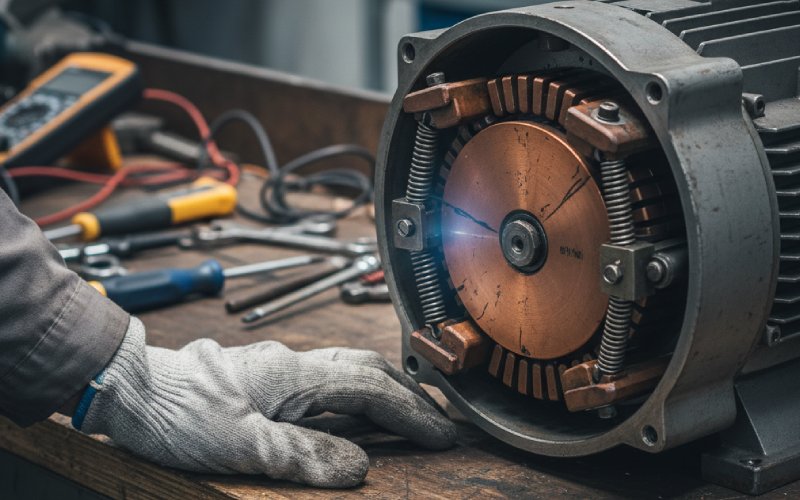
A dirty commutator does not stay “dirty” for long. First the surface film goes uneven. Then sparking gets sharper. Brush wear stops matching from one path to another. After that, the problem is usually no longer about cleaning. It becomes a contact problem, a geometry problem, or a replacement problem. In severe cases, debris between segments can raise the risk of shorting and flashover.
For maintenance teams, the real question is not whether the commutator looks bad. It is simpler than that: can this surface still be recovered, or has the machine already crossed into machining or replacement territory? That decision matters because unstable commutation usually brings more than visible marks. It brings heat, uneven brush loading, faster wear, and avoidable downtime.
Table of Contents
Dirty Commutator Symptoms at a Glance
| Symptom | What it usually means | What to do first | Replacement risk |
|---|---|---|---|
| Bright or repeated sparking at one brush path | Poor contact, restricted brush motion, wrong pressure, high bar, or surface damage | Clean, check holder condition, check spring action, inspect roundness | Medium |
| Patchy dark film, streaks, or bare copper bands | Film instability, contamination, oil or grease deposits, or poor running condition | Remove contamination, inspect slots and surface pattern | Medium |
| Uneven brush wear and rising brush temperature | Current sharing is off, contact resistance is uneven, or one path is overloaded | Check brush fit, tension, shunts, holders, and contact path | Medium to high |
| Grooving or threading | Abrasive dust, contamination, wrong brush match, low pressure, or unstable film | Stop progression early, clean and inspect brush condition | High |
| Copper drag or bar-edge burning | Heavy arcing, high current density, vibration, or poor commutation | Inspect urgently; cleaning alone is often not enough | High |
| Dust packed between segments | Leakage path, bar-to-bar tracking, flashover risk | Deep clean slots and inspect insulation edges | High |
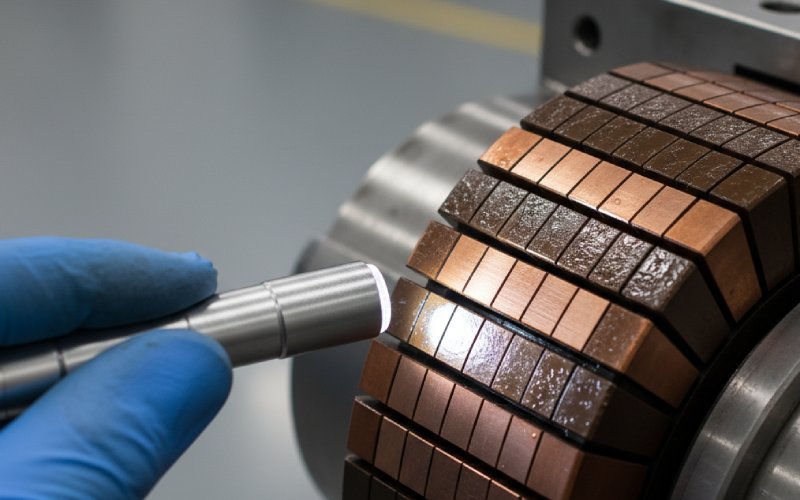
The pattern matters more than the color alone. A commutator can run normally with a stable brown film, but patchy deposits, burnt edges, pitting, raw copper bands, threading, and debris in the slots point to abnormal running conditions rather than harmless dirt.
Symptom 1: Abnormal Commutator Sparking Patterns
Sparking is usually the first sign that operators notice, but the useful clue is not “spark or no spark.” It is the pattern. If the spark gets brighter, longer, or repeats at one position, the brush is not tracking the surface evenly anymore. In practice, that tends to come from dirt in the holder, restricted brush movement, poor spring action, out-of-round running, high bars, or localized bar damage. Not one cause. Usually a stack of them.
A small wipe-down may reduce visible dust. It will not correct eccentricity, high mica, poor holder alignment, or a brush that cannot move freely. When sparking comes back quickly after cleaning, the surface was only the visible part of the problem.
Symptom 2: Patchy Film, Dark Streaks, and Bare Copper Areas
A dark commutator is not automatically a bad commutator. A stable brown-to-dark film can be normal. What should not be ignored is non-uniform film: random light patches, dark fringes, black marks that repeat under a brush path, oil or grease deposits, or exposed copper areas where the film has been stripped away. These patterns are commonly linked with sparking, overload, pollution, maintenance contamination, high bars, low bars, high mica, or burrs.
This is where field teams lose time. They see black film and over-clean it. Or they see clean copper and assume that means healthy contact. Neither is reliable. Stable film protects the running surface. Unstable film tells you the current path and mechanical contact are no longer balanced.
Symptom 3: Uneven Brush Wear, Heat, and Noise
When one brush path wears faster than the others, treat it as a warning, not routine wear. Unequal brush wear usually means the current is no longer distributing evenly across parallel paths, or one path is mechanically disadvantaged. Once that starts, the hotter brush often carries more current, wears faster, and sparks more. The loop feeds itself. Not ideal. Not stable.
You may also see added brush noise, chatter, or rough running. That often points back to poor surface roundness, vibration, stiff shunts, restricted holder movement, or surface defects that make the brush bounce instead of slide. When the brush stops following the surface cleanly, heat and wear rise together.
Symptom 4: Grooving, Threading, Copper Drag, and Bar-Edge Burning
These are not “monitor later” conditions.
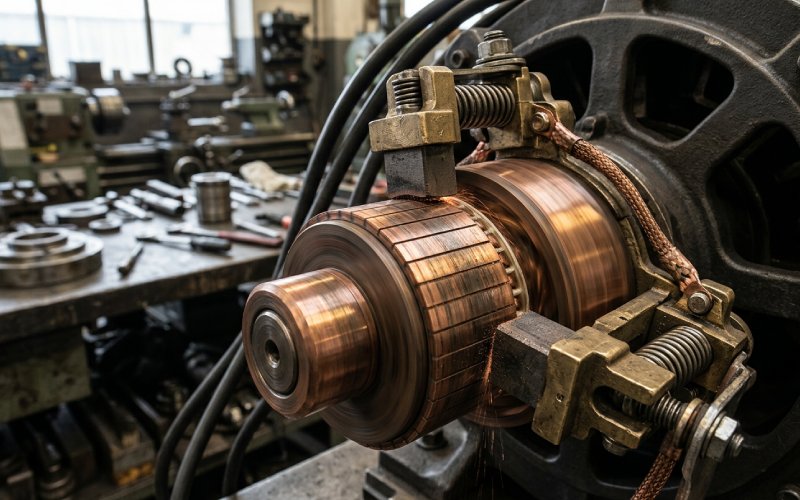
Grooving usually points to abrasive contamination, unstable film, or poor brush matching. Threading shows up as fine lines where copper transfers into the brush face and scratches the commutator. Copper drag means copper has been pulled toward the segment edge, often by arcing, vibration, poor tension, or high current density. Bar-edge burning is exactly what it sounds like: the segment edges are already seeing thermal and electrical stress that normal cleaning does not solve.
Once these patterns appear, the decision shifts. The question is no longer “How do we clean the commutator?” The better question is “Can this surface still be dressed and returned to service, or should we move directly to replacement?” In many cases, severe grooving, deep bar-edge burning, isolated burnt bars, or repeated copper drag put the part into replacement review.
Symptom 5: Dust Between Segments and Flashover Risk
Loose dust inside the housing is one thing. Dust and copper residue packed into the segment gaps is another. Carbon and copper buildup between bars can create tracking paths, disturb commutation, and in severe cases contribute to flashover. That is why slot cleaning matters as much as surface cleaning. Maybe more.
If the machine shows packed debris, repeated arcing, or blackened slot edges, do not stop at wiping the running surface. Clean the slots, inspect the insulation edges, and check whether the surface damage is already deep enough to justify machining or replacement.
What Usually Causes Dirty Commutator Problems
In factory review work, dirty commutators usually come back to the same groups of causes:
- contamination from dust, oil, grease, or process atmosphere
- restricted brush travel or damaged holders
- uneven or weak spring pressure
- out-of-round commutator condition, high bars, or high mica
- vibration from bearings, balance, or base issues
- poor current distribution across brush paths
- wrong brush match for the actual load and duty cycle
So yes, the commutator may look dirty. But dirt is often the visible layer, not the root cause.
When Cleaning Still Works — and When It Does Not
Cleaning still makes sense when the surface defect is light, the bar edges are still stable, the slots are cleanable, and there is no meaningful grooving, threading, copper drag, or isolated bar burning. In that stage, the job is to remove contamination, restore brush freedom, verify spring action, and confirm the commutator is round and mechanically sound.
Cleaning is not enough when you already have any of these:
- repeated selective sparking after cleanup
- deep grooves or fine threaded lines spreading across the track
- copper drag at segment edges
- pitted or burnt bars
- visible eccentricity or high-bar patterns
- contamination packed into slots with tracking or flashover signs
That is the point where buyers usually stop spending labor on recovery and start evaluating replacement cost versus downtime cost.
When to Replace the Commutator
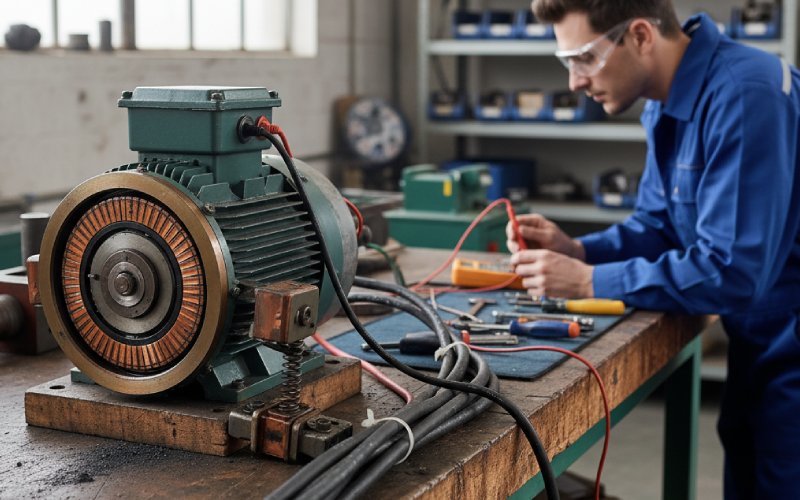
A replacement decision is usually justified when the running surface can no longer hold a stable film, the bars show repeated thermal damage, or the machine keeps returning with the same sparking pattern after cleaning and brush correction. Severe grooving, bar-edge burning, copper drag, isolated burnt segments, or recurring flashover evidence all push the decision toward replacement rather than another maintenance cycle.
For buyers sourcing a replacement commutator, the practical concern is fit and operating margin. The part must match the motor mechanically, yes. But it also has to survive the actual load, duty cycle, cooling condition, and brush system on site. A commutator that fits the drawing but runs hot in service is still the wrong part.
What We Usually Need for a Replacement Review
If the commutator is already beyond cleaning, the fastest way to move forward is to prepare the basic technical file:
- old sample or technical drawing
- outer diameter, inner diameter, and overall length
- segment count and insulation structure
- shaft or mounting dimensions
- motor rating, operating speed, and application duty
- photos of the worn surface and brush track
That shortens the quotation cycle and reduces the risk of remaking a part around the wrong failure assumption.
Why Buyers Move to Custom Commutator Replacement
Standard replacement works when the original design was sound and the service condition has not changed. Custom replacement makes more sense when the application runs hotter, cycles harder, or has repeated sparking and wear history that the previous part never handled well. In those cases, the replacement discussion is not just about dimensions. It is about copper stability, insulation integrity, machining accuracy, and how the commutator will behave under the real brush load.
If your motor already shows grooving, bar-edge burning, repeated selective sparking, or slot contamination that returns after cleaning, it is usually time to review a new commutator instead of extending the same failure cycle.
FAQ
Is a dark commutator always a dirty commutator?
No. A stable brown or dark film can be normal. The concern starts when the film becomes patchy, sooty, streaked, pitted, or interrupted by bare copper and burnt edges.
Can a dirty commutator cause torque drop or unstable running?
Yes. Poor brush contact and unstable commutation can show up as arcing, overheating, rough running, and performance loss. In service, that may appear as torque ripple, speed hunting, or reduced output under load.
What is the difference between grooving and threading?
Grooving is material wear in the commutator track, often tied to abrasive contamination or poor brush matching. Threading is usually a finer lined pattern caused by copper transfer embedding into the brush and scratching the surface.
When should I stop cleaning and start planning replacement?
Stop treating it as a cleaning job when sparking returns quickly, grooves deepen, copper drag appears, bars start burning, or debris between segments keeps building up. Those are signs that the failure is no longer superficial.
What should I send for a commutator quotation?
A drawing or worn sample is best. Along with that, send the main dimensions, segment count, motor rating, speed, application, and clear photos of the damaged surface. That is usually enough to start technical evaluation.
Final Check
If the commutator only looks dusty, clean it correctly and inspect the full brush path. If the surface already shows unstable film, repeated sparking, grooving, copper drag, or burnt segment edges, do not keep treating it as light maintenance. That is usually the stage where a custom commutator replacement becomes the safer decision for uptime and cost control.
Need a replacement review? Send us your drawing, worn sample, or surface photos. Our engineering team can check whether your motor needs cleaning, machining, or a new commutator built to the actual operating condition.