DC Motor Brushes & Commutator: Wear, Problems and Maintenance
Brush wear is rarely a brush-only issue. In our factory failure reviews, the carbon block is usually the messenger, not the cause. The real drivers sit behind it: contact area, spring force, seating quality, commutator roundness, mica height, contamination, vibration, and load profile. Replace brushes without correcting those, and the next set often fails faster.
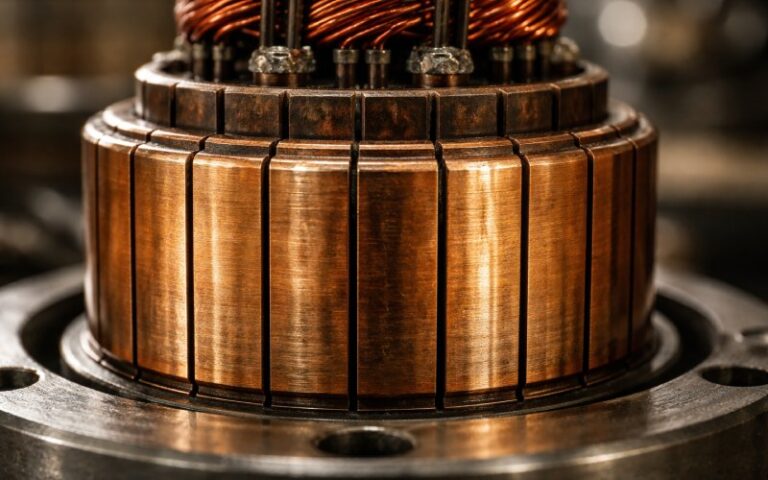
A second mistake is chasing appearance instead of behavior. A healthy commutator film does not have one mandatory color. It may be tan, brown, blotchy, or quite dark depending on humidity, load, brush material, and the machine itself. What matters is whether the surface remains stable, smooth, and free of metal transfer, burning, pits, and destructive sparking.
Table of Contents
The wear patterns that matter
| Commutator or brush condition | What it usually points to in practice | First checks | Normal correction path |
|---|---|---|---|
| Alternating light/dark bar pattern with no roughness | Often slot-bar filming, not immediate damage | Load pattern, neutral setting trend, film stability | Monitor; do not machine on appearance alone |
| Dark streaks in brush track | Early metal transfer, often low pressure, light load, wrong brush behavior, or chemical contamination | Brush spring pressure, load, vapors, brush face condition | Correct cause early before threading starts |
| Threading | Heavy metal transfer from commutator to brush | Pressure, brush travel, contamination, grade match | Clean, restore pressure/contact, recondition surface if needed |
| Grooving | Abrasive dust, abrasive brush behavior, poor environment control | Air cleanliness, enclosure sealing, airflow | Remove contamination source; machine only if geometry is already lost |
| High bar or flat spot | Brush lift-off, impact, hot running bar movement, or roundness error | Roundness, bar-to-bar height, vibration, load-hot behavior | Recondition surface; investigate loose bar risk |
| Burned trailing edges / pitted bars | Destructive sparking, overload, poor commutation setting | Sparking level under load, neutral, brush condition, electrical balance | Stop the burn source first, then repair surface |
| Rapid brush wear with new brushes | Poor seating or restricted movement | Brush contact pattern, holder cleanliness, spring freedom | Seat correctly; free the brush in holder; verify alignment |
Read that table left to right, not top to bottom. The mark on the copper is just the last visible step. The cause usually started one layer earlier — in contact stability, film chemistry, or machine geometry. Slot-bar filming can be acceptable. Threading, grooving, copper drag, burned bar edges, and unstable sparking are not.
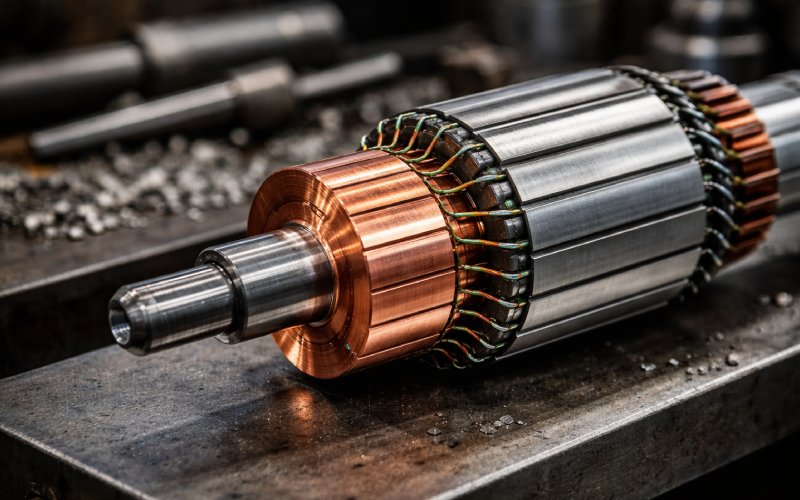
Where wear actually starts
1) Incomplete seating
New brushes with limited contact area run hot at the contact patch. Current density concentrates. The brush face then wears into the wrong shape, commutation worsens, and the neutral position can drift as the brush beds in. That is why a rushed brush change can create a “new problem” on a machine that was stable the day before.
2) Spring pressure that looks close enough
Low pressure is not gentle. It breaks contact, starts streaking or threading, and lets the brush chatter. Excess pressure is no gift either; it increases scoring and mechanical wear. What we care about in service is not only the nominal pressure, but pressure equality across brushes on the same arm and free spring action under real contamination, not bench-clean conditions.
3) Geometry the brush cannot follow
Out-of-round commutators, high bars, flat spots, high mica, copper burrs after undercutting, and restricted brush travel all do the same thing in different ways: they interrupt stable contact. Once the brush lifts, even briefly, the wear mode changes. You stop polishing and start eroding. Some high-bar cases only show under speed and load, which is why a cold static inspection can miss a machine that sparks the moment production starts.
4) Air, dust, vapor, and whatever the line is breathing
Commutator film is a working layer. It depends on humidity, brush debris, a small amount of copper transfer, and a surface that is not being constantly stripped or contaminated. Very dry air raises friction. Abrasive dust pushes the machine toward grooving. Oily dirt, sulfur-bearing atmospheres, and aggressive chemical vapors can turn a normal film into streaking, selective darkening, or heavy metal transfer. Same motor. Different room. Different outcome.
Maintenance that actually changes brush life
Watch the machine online before you touch it offline
Start with sparking, sound, temperature trend, and visible vibration under normal load. A faint non-destructive bead is not the same thing as continuous arcing that removes metal from bar edges. Treat the second one as urgent. The first one as data.
Then check the brush path, not just brush length
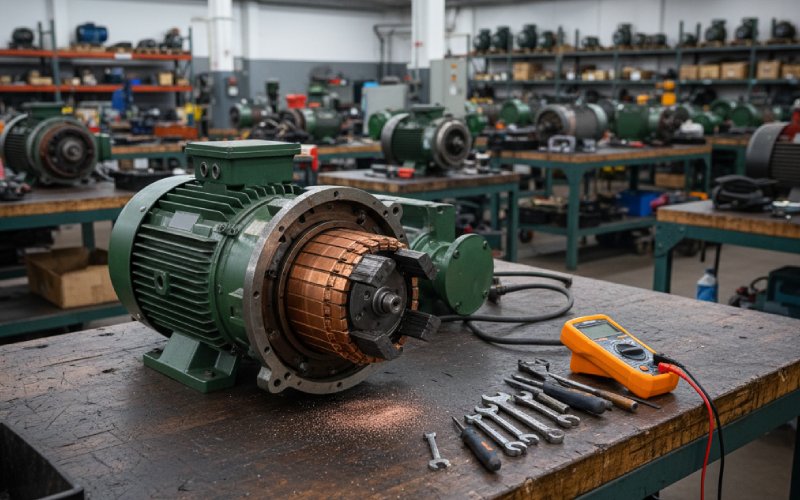
Brush length is easy to measure. It is also the least interesting number if the holder is dirty, the brush sticks in the box, or the spring is hanging up. Our inspection order is simple: holder condition, free brush movement, spring freedom and pressure, signs of high mica or slot contamination, pitted or burned bars, roundness, and then vibration sources such as bearings or balance.
Do not strip a dark film just because it looks ugly
A dark commutator is not automatically a failed commutator. Many machines run well with dark or blotchy films. What forces action is metal transfer, roughness, pits, edge burning, or film behavior that keeps worsening between inspections. Cleaning and light surface correction have their place; blind polishing often removes a working film and restarts wear from zero.
Clean without pushing the dirt deeper
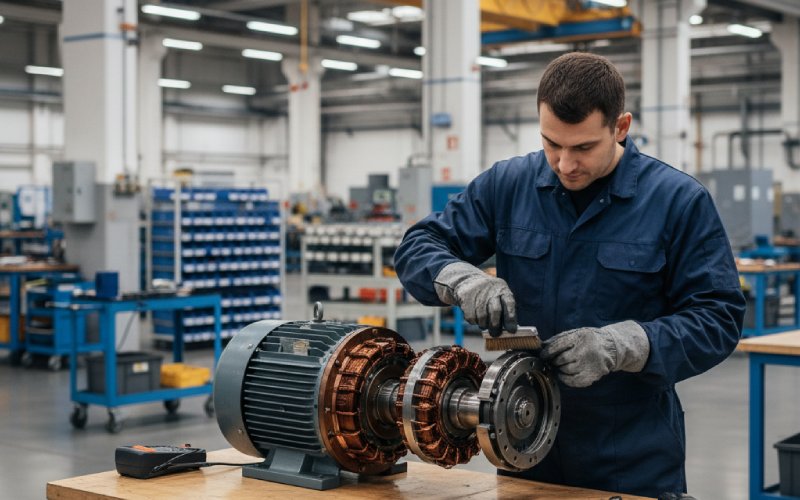
Dry conductive dust should be removed with vacuum and a soft brush. Oily deposits need controlled wiping. Flooding the motor with solvent is a bad habit because it can carry conductive debris into insulation cracks and deeper into the machine. Commutators and varnished windings are where careless cleaning does expensive damage.
Machine the commutator only for geometry, not for cosmetics
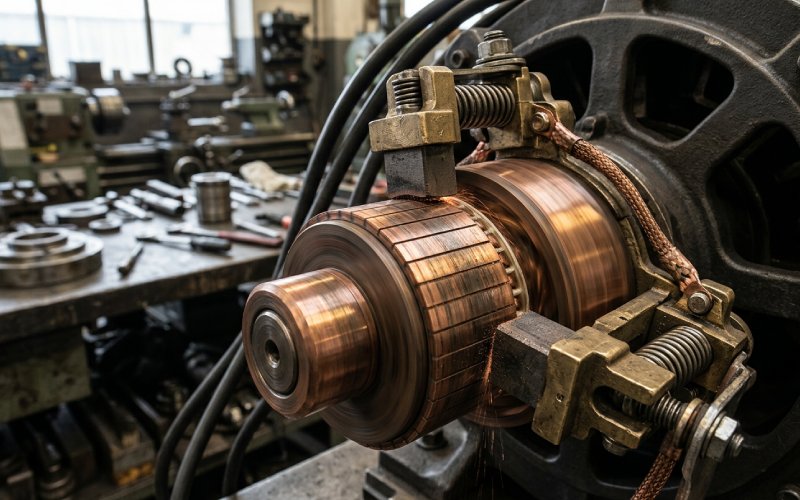
If the commutator is out of round, grooved, burned, has flat spots, or shows bar-height problems, surface reconditioning is justified. Before any turning or undercutting, check for loose bars. A quick old-school tap test still helps: a tight bar answers crisp, a loose bar answers dull. If the surface fault returns after reconditioning, the root issue is deeper than finish quality.
When brushes are replaced, seat them as a process step, not a formality
Brush seating is not housekeeping. Poor seating reduces contact area, increases resistance, and starts rapid localized wear. That drives sparking, poor commutation, and commutator damage early in the run period. On production machines, a proper seating job is cheaper than a second shutdown.
Practical maintenance schedule for plants that do not want repeat failures
| Interval trigger | What we inspect | What usually gets missed |
|---|---|---|
| Every routine operating round | Sparking level, unusual sound, smell, visible brush vibration, sudden temperature change | Small changes in spark character before bar burning starts |
| Every planned stop | Brush free movement, spring freedom, dust load in holders, film trend, slot contamination | Brushes that measure long enough but are sticking |
| After any brush replacement | Seating pattern, pressure equality, holder alignment, early film formation | Assuming new brushes will bed in on their own |
| After overload, trip, flashover, or severe contamination | Bar edges, threading/grooving, mica condition, roundness, looseness of bars, winding contamination | Restarting after a quick wipe-down without root-cause correction |
The pattern is boring on purpose. Stable brush life comes from repeatable inspection order, not from heroic repair work after the commutator is already burned.
FAQ
Does a black commutator always mean the machine has a problem?
No. Dark film can be normal. What matters is whether the film is stable and whether there is pitting, roughness, metal transfer, or destructive sparking along with it.
Why do new DC motor brushes sometimes wear out faster than the old set?
Usually because the new brushes were not seated correctly, the holder system was dirty or tight, or the original cause of wear — low pressure, vibration, high mica, contamination, roundness error — was never removed.
Is all sparking unacceptable?
No. Light, non-destructive sparking can be tolerable. Continuous shooting sparks, bar-edge burning, and any sparking that removes metal are not.
What is the difference between streaking, threading, and grooving?
Streaking is usually an early film or metal-transfer warning. Threading is heavier metal transfer that marks the brush path like screw threads. Grooving is material loss worn into the commutator surface, often tied to abrasives or dust. They are different failure paths and they should not be repaired the same way.
When should a commutator be turned and undercut?
When geometry is wrong: out-of-round condition, flat spots, grooves, burning, or bar-height issues. Not because the color looks wrong. Check for loose bars before cutting.
Can vibration damage brushes even when the electrical setup is close to correct?
Yes. Bearing defects, imbalance, poor foundation, restricted brush movement, and brush chatter can all create sparking and commutator damage that looks electrical at first glance.
Good brush life is mostly discipline. Correct seating. Free movement. Correct pressure. A commutator surface judged by behavior, not color. And repairs made for root cause, not appearance. That is how commutators stay in service for years instead of becoming a repeat consumable.